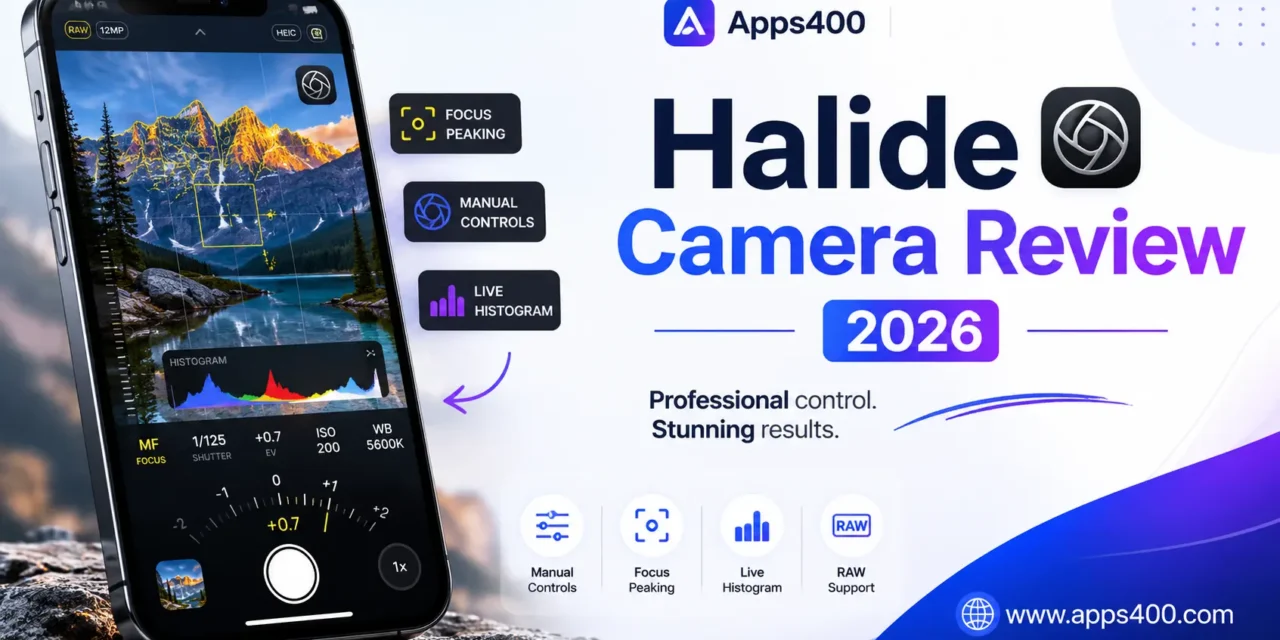
Five months ago, I used the stock iPhone camera for everything. Point, tap, shoot. Results were fine—good even. But I had no control. The camera decided exposure, focus, and processing. Then I bought Halide Mark II for $11.99, and my iPhone photography transformed from “good enough” to genuinely artistic.
This review comes from someone who’s shot 1,000+ photos with Halide, learned manual photography principles, and can’t use the stock camera without frustration anymore.
What Is Halide?
Halide Mark II is a professional camera app for iPhone that provides manual controls the stock camera hides: focus, exposure, shutter speed, ISO, white balance, and RAW capture with Apple ProRAW support on iPhone 12 Pro and newer.
Key features: Manual focus with focus peaking, exposure controls (shutter, ISO, EV), RAW and ProRAW capture, histogram, level, depth capture (portrait mode), and gesture controls for quick adjustments.
Download from App Store: Halide Mark II. Pricing: $11.99/year subscription or $49.99 lifetime. iPhone only, requires iOS 16+.
Pricing: Subscription vs Lifetime
Halide Membership ($11.99/year):
- All current features
- Future updates
- Cancel anytime
Lifetime Unlock ($49.99 one-time):
- Everything forever
- No annual renewal
- All future features
I bought lifetime ($49.99). As a hobbyist photographer taking 50+ photos weekly, that’s 4 years of subscription cost upfront. If I use Halide for 5+ years, I save money.
Who should subscribe yearly: Casual photographers testing if manual controls matter. Try one year. If you use it constantly, buy lifetime.
Manual Controls: What Stock Camera Lacks
Stock iPhone camera: Point, tap, shoot. Apple’s computational photography does everything automatically. Results are excellent for 90% of situations.
Halide’s advantage: That other 10%—sunset photos, low light, artistic shots—where automatic fails and manual control saves the shot.
Focus Control:
Tap to focus (like stock camera), but Halide adds:
- Focus peaking: Edges of in-focus areas highlight yellow. Crystal clear what’s sharp.
- Manual focus slider: Precise control from closest macro to infinity.
- Focus lock: Lock focus while reframing (stock camera refocuses when you move).
Use case: Photographing flowers. I manually focus on the center of the bloom, lock focus, recompose, shoot. Foreground/background blur beautifully while the flower is tack-sharp.
Exposure Control:
Shutter Speed (1/10,000s to 30 seconds):
- Fast shutter freezes motion (sports, wildlife)
- Slow shutter creates motion blur (waterfalls, light trails)
ISO (25 to 3072):
- Low ISO = less grain, requires more light
- High ISO = brighter images, more noise
Exposure Compensation (-2 to +2 EV):
- Quick brightness adjustment
My sunset workflow:
- Drop ISO to minimum (25) for clean image
- Set shutter speed to 1/250s
- Adjust EV to -0.7 (slightly underexpose sky for rich colors)
- Shoot RAW for editing flexibility
Stock camera can’t do this. It brightens the sky automatically, washing out sunset colors
White Balance:
Stock camera auto-adjusts color temperature. Sometimes it guesses wrong—indoor lights look orange, cloudy days look too blue.
Halide lets you set Kelvin temperature (2000K-10000K) or choose presets: Daylight, Cloudy, Tungsten, Fluorescent.
Histogram:
Real-time graph showing exposure distribution. Prevents blown highlights (overexposed areas) or crushed shadows (underexposed blacks).
I check histogram before every important shot. If highlights are clipping (graph hits right edge), I reduce exposure.
RAW and ProRAW Capture
What is RAW?
Regular photos are JPEG—processed, compressed, baked-in exposure. RAW captures unprocessed sensor data, giving editing flexibility.
Benefits:
- Recover blown highlights
- Lift underexposed shadows
- Adjust white balance without quality loss
- More editing headroom
Downsides:
- 10-50MB per photo (vs 2-5MB JPEG)
- Requires editing (RAWs look flat straight from camera)
- Not every app reads RAW files
ProRAW (iPhone 12 Pro and newer):
Apple’s RAW format preserving computational photography (Deep Fusion, Smart HDR) while maintaining editing flexibility.
Best of both worlds: Apple’s processing magic + RAW flexibility.
My workflow:
- Important shots: ProRAW
- Quick snapshots: JPEG
- Night/challenging light: Always RAW
For more photography apps, explore Apps400’s iPhone apps collection.
Gestures: Speed Matters
Halide’s gesture controls are brilliant:
Swipe up/down: Adjust exposure compensation Swipe left/right: Change focus distance Two-finger swipe: Switch front/rear camera Tap shutter button: Take photo Hold shutter button: Burst mode Swipe shutter up: Video mode
After 2 weeks, these gestures become muscle memory. I adjust exposure mid-shot without fumbling through menus.
What Halide Does Poorly
Problem #1: Learning Curve
Manual controls require photography knowledge. What’s ISO? Why does shutter speed matter? Halide doesn’t teach you.
I watched 5 YouTube tutorials on exposure triangle before Halide made sense.
Problem #2: Slower Than Stock Camera
Stock camera: Pull out phone, swipe, tap, done. 2 seconds. Halide: Open app, adjust settings, shoot. 10-15 seconds.
For spontaneous moments (kid’s first steps, perfect sunset for 30 seconds), stock camera wins on speed.
Problem #3: No Computational Photography
Stock iPhone camera uses AI: Deep Fusion, Night Mode, Smart HDR, Photographic Styles.
Halide shoots what the sensor sees. No AI enhancement.
Trade-off: More control, less computational magic. For portraits of people, I use stock camera (Smart HDR makes skin tones perfect). For landscapes and creative work, Halide.
Problem #4: File Management
RAW files are huge. After 1,000 photos, I’ve used 35GB of iPhone storage.
Solution: Import to Photos, delete RAWs monthly, or pay for iCloud storage.
Halide vs Stock Camera vs ProCamera
Stock iPhone Camera:
- Wins: Speed, computational photography, ease of use
- Loses: No manual control, no RAW (except ProRAW on newer iPhones)
Halide:
- Wins: Manual controls, focus peaking, gesture controls, clean interface
- Loses: No AI features, slower, learning curve
ProCamera (competitor):
- Wins: More features (lowlight mode, anti-shake, vignette correction)
- Loses: Cluttered interface, confusing menus, Halide is simpler
My setup: Stock camera for 70% of photos (quick, automatic). Halide for 30% (creative, challenging light, when I have time).
My 5-Month Results
Photos shot with Halide: 1,043 RAW/ProRAW: 387 photos (37%) Favorite photos: 8 of my top 10 from this year are Halide shots Photography skill improvement: Significantly better understanding of exposure, focus, composition
Most valuable lesson: Halide forced me to think before shooting. Stock camera encourages spray-and-pray. Halide rewards intention.
Should You Buy Halide?
Buy Halide if:
✅ You care about iPhone photography beyond snapshots
✅ You want manual control over exposure/focus
✅ You shoot RAW or ProRAW
✅ You’re willing to learn photography fundamentals
✅ You have an iPhone 11 or newer
Skip Halide if:
❌ You’re happy with stock camera results
❌ You want point-and-shoot simplicity
❌ You don’t edit photos afterward
❌ You prefer computational photography (AI enhancement)
❌ Speed matters more than creative control
My Rating: 4.5/5 Stars
Pros:
- Excellent manual controls
- Focus peaking is invaluable
- Gesture controls are intuitive
- ProRAW support
- Clean, focused interface
- Regular updates
Cons:
- Learning curve for beginners
- Slower than stock camera
- No computational photography
- RAW files consume storage
- Annual subscription model (though lifetime available)
Bottom Line:
Halide is the best manual camera app for iPhone. It won’t make you a better photographer automatically—you must learn exposure, focus, and composition. But once you understand photography basics, Halide provides tools to capture shots impossible with the stock camera.
Five months in, Halide transformed iPhone photography from automatic snapshots to intentional art. My favorite photos all came from moments where manual control mattered—golden hour portraits with perfect exposure, nighttime cityscapes with controlled light trails, macro shots with precise focus.
Start with the $12 yearly subscription. Shoot 50 photos with manual controls. If you love the creative control, buy the lifetime unlock. For serious iPhone photographers, it’s essential.