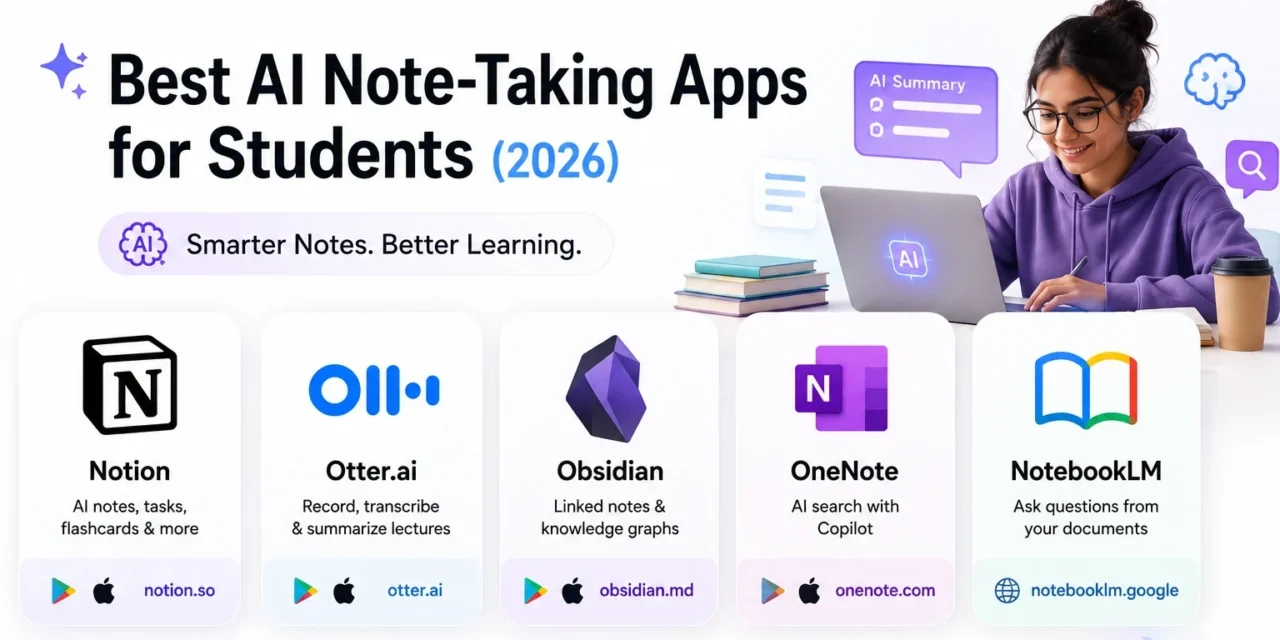
Handwritten notebooks are quietly becoming optional. In 2026, the best students aren’t just typing faster, they’re using AI to summarize lectures, organize scattered thoughts, and turn messy notes into searchable knowledge instantly. A good AI note app doesn’t just store what you write, it actively helps you understand it later, surfacing the right paragraph from a three-hour lecture the night before an exam instead of making you scroll through pages of handwriting you can barely read. If you’re still relying on a plain notes app or a physical notebook, here are five AI-powered note-taking apps worth switching to this semester, each suited to a slightly different study style.
Notion
Notion remains the most flexible workspace for students, combining notes, to-do lists, and class schedules in one place. Its built-in AI can summarize long lecture notes, generate flashcards from your content, and clean up messy bullet points in seconds. The free plan is generous enough for most students to run their entire academic life inside it.
🔗 Download on Play Store | www.notion.so
Otter.ai
Otter.ai has become the default choice for recording and transcribing lectures in real time. It automatically identifies speakers, highlights key points, and generates an AI summary right after class ends, so you spend less time rewriting notes and more time actually understanding them.
🔗 Download on Play Store | www.otter.ai
Obsidian
Obsidian is built for students who like connecting ideas visually. Every note can link to another, forming a personal knowledge graph that’s perfect for thesis research or exam revision. Community AI plugins add summarization and semantic search on top of its already powerful local-first note system.
🔗 Download on Play Store | www.obsidian.md
Microsoft OneNote
OneNote’s Copilot integration lets students ask questions directly about their own notes and get instant answers pulled from what they’ve already written. It’s especially useful for students already inside the Microsoft 365 ecosystem through their university accounts.
🔗 Download on Play Store | www.onenote.com
Google NotebookLM
NotebookLM is a web-based research assistant that reads your uploaded lecture slides, PDFs, and notes, then lets you ask questions with answers cited straight from your own material. It’s currently accessed through the browser rather than a dedicated store app, making it ideal for quick research sessions between classes.
How to Choose the Right One for Your Study Style
If you’re a lecture-heavy student who struggles to keep up with fast-talking professors, start with Otter.ai and let transcription handle the heavy lifting while you focus on listening instead of writing. If you’re the type who connects ideas across different subjects and likes seeing the bigger picture, Obsidian’s linking system will feel far more natural than a flat list of documents. Business, humanities, and law students juggling group projects tend to get the most out of Notion, since its databases handle shared deadlines and reading lists better than a plain notebook ever could. And if your coursework involves dense PDFs or textbook chapters you need to interrogate rather than just store, NotebookLM’s ability to answer questions grounded in your own uploaded material can save hours compared to manually re-reading sections to find one specific detail.
Every one of these apps solves a slightly different note-taking problem, from transcription to visual linking to research synthesis, and none of them require you to change your entire study process overnight. Most students end up pairing two together, one for quick capture during class and one for deeper organization during revision week, rather than relying on a single app for everything. Start with whichever problem is costing you the most time right now, whether that’s rewriting scattered notes or losing track of what a lecture actually covered, and build from there. The apps will keep adding AI features throughout the year, but the habit of capturing notes consistently matters far more than which specific tool you pick.