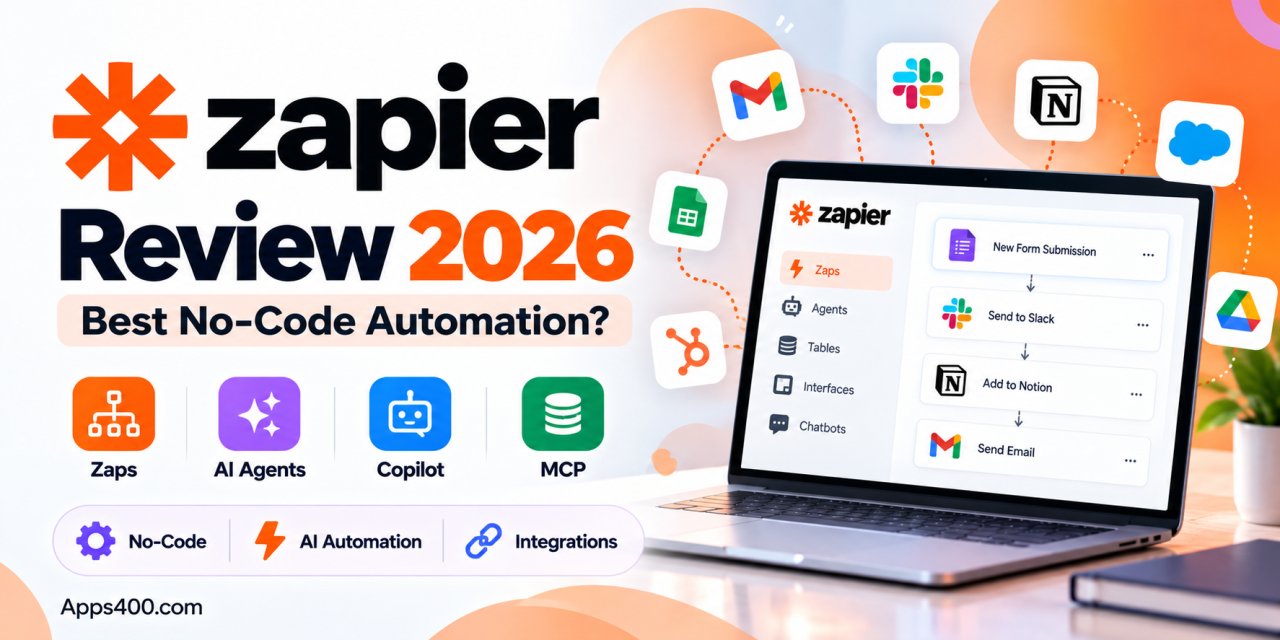
A lot of business work is still copying things by hand: a lead comes in through a website form and gets pasted into a CRM, then someone posts it in Slack and someone else adds it to a spreadsheet. Zapier was built to remove that kind of work, and for more than a decade it has been the best-known name in no-code automation.The automation market looks different in 2026. AI agents, cheaper competitors like Make and n8n, and the Model Context Protocol (MCP) have all changed what people expect from these tools. Zapier has responded by turning into a broader AI orchestration platform. It now offers Agents, Copilot, Canvas, Tables, Interfaces, Chatbots and an MCP server, alongside its classic “Zaps.”This Zapier review 2026 covers what the platform does today, what it costs, where it does well, where it falls short, and who should use it.
What Is Zapier?
Zapier is a cloud-based automation platform that connects web apps so they can share data and trigger actions without any code. The basic unit is a Zap: a trigger (for example, “new Typeform submission”) followed by one or more actions (for example, “create a HubSpot contact” and then “send a Slack message”).
Its biggest strength is reach. Zapier connects to more than 8,000 apps across CRM, marketing, e-commerce, communication, project management and AI services. If a SaaS product has an API, there’s a good chance it already has a Zapier integration.
Key Features of Zapier in 2026
Zaps: Multi-Step Workflows
Zaps are still the core of Zapier. On paid plans you can build multi-step workflows with filters, paths (if/then branching), loops, formatters, webhooks and code steps. A single workflow can have up to 100 steps, which is enough for most serious business processes.
Zapier Copilot
Copilot is Zapier’s built-in AI assistant. You describe what you want in plain English, for example:
“When a new order comes in on Shopify, add it to Google Sheets and email the customer a thank-you note.”
Copilot then drafts the Zap structure for you. It’s available even on the Free plan, and it makes Zapier much easier for first-time users to pick up.
Zapier Agents
Agents are Zapier’s autonomous AI workers. A Zap follows fixed steps. An Agent can research, reason and take actions across your connected apps, such as enriching leads, triaging support tickets or preparing meeting briefs. You can add human approval steps so nothing important happens without a person signing off.
Agents are priced as a separate add-on: there’s a free allowance of 400 activities per month, and the Pro tier is about $33.33/month billed annually for 1,500 activities.
Tables, Forms and Interfaces
Zapier now includes its own lightweight database (Tables) and a form and page builder (Interfaces). These are included on all plans. For small teams, this means you can capture data, store it and automate it without paying for a separate database or form tool. Tables support linked records and AI-powered field enrichment.
Chatbots
Zapier Chatbots lets you build no-code AI chatbots for customer support or lead capture and embed them on your website. The Free tier allows two chatbots, Pro costs about $13.33/month (annual), and Advanced costs about $66.67/month (annual) for up to 20 chatbots.
Canvas
Canvas is a visual planning tool for mapping out your entire automation setup: which apps talk to which, where data flows, and where the gaps are. It’s useful for operations teams documenting processes before they automate them.
Zapier MCP
This is probably the most forward-looking feature. Zapier’s MCP server lets AI assistants such as Claude and ChatGPT, as well as developer tools, call more than 30,000 Zapier actions across its 8,000+ connected apps. In practice, your AI assistant can send an email, update a CRM record or create a calendar event through Zapier. Each MCP tool call uses two tasks from your plan.
Built-In AI Steps
Paid plans can add AI steps to any Zap, using models such as ChatGPT, Claude and Gemini to classify, summarize, extract or generate content. AI steps consume tasks based on model tier: standard models use 1 task, advanced models 3, and premium models 5.
Zapier Pricing in 2026
Zapier uses task-based pricing. A task is counted each time a Zap successfully completes an action step. Triggers, filters, paths and formatter steps don’t count toward your total.
| Plan | Annual Billing | Monthly Billing | Starting Tasks/Month | Highlights |
|---|---|---|---|---|
| Free | $0 | $0 | 100 | Two-step Zaps, 15-min polling, Copilot, Tables and Forms |
| Professional | $19.99/mo | $29.99/mo | 750 | Multi-step Zaps, premium apps, webhooks, AI fields, 2-min polling |
| Team | $69/mo | $103.50/mo | Higher tiers available | 25 users, shared workspaces, SAML SSO, 1-min polling, priority support |
| Enterprise | Custom | Custom | Custom annual limits | Unlimited users, advanced admin controls, technical account manager |
Paying annually saves about 33%. Professional scales from 750 tasks up to 100,000 tasks per month, with the price rising at each tier.
Overages: If you hit your task limit, Zapier switches to pay-per-task billing by default (for accounts created after January 2024). Extra tasks are charged at a higher rate than your plan’s base rate, and usage is capped at three times your plan’s task limit. You can turn this off if you prefer automations to pause instead.
Pricing reflects Zapier’s published plans at the time of writing. Check zapier.com/pricing for current figures.
Pros and Cons of Zapier
What We Like
- Huge integration library: 8,000+ apps is still the largest in the no-code automation space.
- Very easy to learn: Copilot and the step-by-step editor make it the most beginner-friendly option.
- All-in-one platform: Zaps, Tables, Interfaces, Chatbots and Agents in one place means fewer tools to manage.
- AI-ready: MCP support and native AI steps put Zapier at the center of AI-assisted workflows.
- Enterprise-grade security: SOC 2 Type II, SOC 3, GDPR and CCPA compliance, with encryption in transit and at rest.
What Could Be Better
- Costs rise quickly at volume: Task-based billing gets expensive for high-frequency workflows, and premium AI models use several tasks per step.
- Free plan is limited: Two-step Zaps and 15-minute polling are fine for testing but not for real business use.
- Add-ons cost extra: Agents and Chatbots are priced separately on top of your core plan.
- Less control for developers: Technical teams may find Make or n8n more flexible for complex data handling.
Zapier vs Make vs n8n
- Zapier: Best for non-technical teams that want the widest app coverage and the fastest setup.
- Make (formerly Integromat): A visual, scenario-based builder that usually works out cheaper per operation and handles complex branching well. It’s harder to learn.
- n8n: Open-source and self-hostable, popular with developers and privacy-conscious teams. It’s very flexible, but you manage more of the setup yourself.
If ease of use and integrations matter most, Zapier wins. If cost per automation or full technical control matters most, look at Make or n8n.
Who Should Use Zapier?
Zapier fits especially well for:
- Small businesses and startups that want to automate lead capture, invoicing and notifications without hiring a developer.
- Marketing and sales teams connecting CRMs, ad platforms, email tools and spreadsheets.
- Operations teams that want one platform for workflows, simple databases and internal forms.
- AI-forward teams that want their AI assistants to act across business apps through MCP.
Teams running very high-volume, data-heavy pipelines should model their expected task usage carefully before committing.
Final Verdict: Is Zapier Worth It in 2026?
Zapier is still the easiest and most widely connected no-code automation platform available. Its move into AI Agents, Copilot and MCP has kept it relevant at a time when many expected cheaper rivals to overtake it. The trade-off is price: at scale, task-based billing and separately priced add-ons can add up quickly.
Ready to stop doing repetitive work by hand?
Start with Zapier’s free plan, automate one workflow you repeat every day, and see how much time it saves.
For more honest reviews of web apps, SaaS tools and AI platforms, explore more reviews on Apps400.com, and if you’ve built an app you’d like reviewed, get in touch with our team.