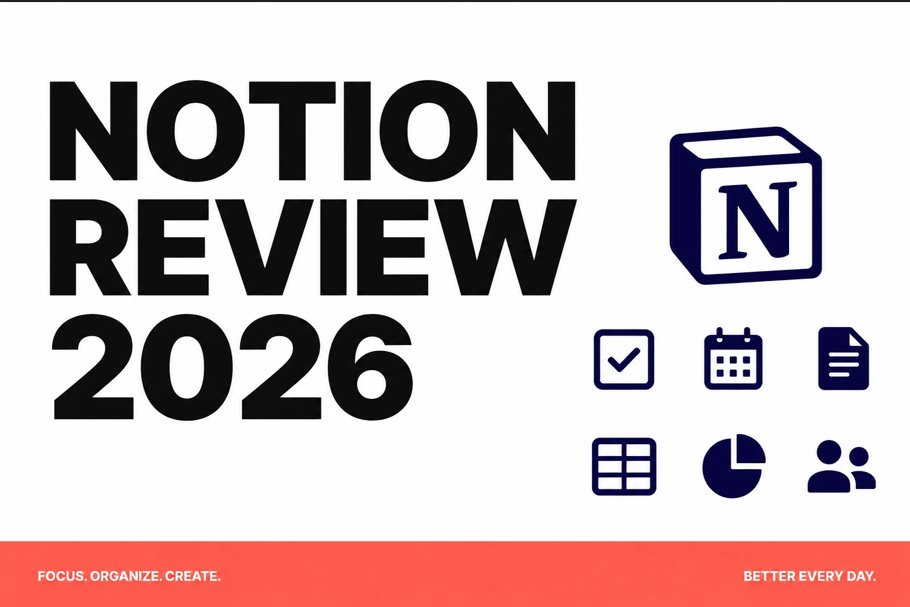
If you have been using Notion for a while, you already know it does not sit still. Every few months, something meaningful changes – a smarter database, a better mobile experience, or a new AI feature that actually earns its place. The 2026 update is no different, and in some ways it is the most significant leap the product has taken since its original launch.
What Is Notion?
Notion is a web-based productivity platform that combines notes, databases, wikis, kanban boards, and calendars into a single connected workspace. Whether you are a solo creator managing a side project or part of a distributed team with dozens of collaborators, Notion is designed to hold your entire workflow in one place.
What Is New in 2026
- Notion AI v3 – auto-summarise meeting notes, generate action items, and fill databases with AI-sourced data in seconds
- Projects and Sprints – native project management with timeline views and sprint boards built directly into pages
- Connected Databases v2 – link data across pages without duplication, with formula-powered rollups that update in real time
- Notion Calendar Integration – full two-way sync with Google Calendar, showing deadlines and events inline within pages
- Improved Offline Mode – finally reliable on both iOS and Android
Performance on Mobile
The Android and iOS apps received a major performance upgrade in this cycle. Pages load noticeably faster, the new bottom navigation makes switching between workspaces intuitive, and the editor no longer lags on long documents. Notion AI works on mobile too, which means you can open a rough meeting note on your phone and have a clean summary in under thirty seconds.
Pricing in 2026
The Free plan covers personal use with unlimited blocks. The Plus plan at ten dollars per user per month is right for freelancers and small teams. Business at fifteen dollars per user per month adds advanced permissions and audit logs. Enterprise pricing is custom.
Who Should Use Notion in 2026
Content creators, product managers, researchers, indie developers, and small business owners will get the most consistent value. If you need a single place for strategy documents, meeting notes, task boards, client wikis, and team directories – Notion delivers all of that without requiring ten different subscriptions.
Final Verdict
Notion remains the most flexible all-in-one workspace app in 2026. The AI additions are genuinely useful rather than gimmicky, and the improved mobile app closes the gap between desktop and on-the-go work.
Why Notion Works Better for Teams in 2026
One of the biggest improvements in the 2026 cycle is how Notion handles team collaboration. The new Teamspaces feature creates dedicated environments for different departments or projects, each with its own set of pages, databases, and member permissions. A marketing team and an engineering team can each operate in their own space while still being able to cross-link content and share specific pages when collaboration is needed. This structure reduces the noise of shared workspaces without losing the benefits of a unified platform.
Notion integrations have also expanded significantly. Native connections with Slack, GitHub, Jira, Figma, and Google Calendar mean you can surface relevant Notion pages inside the tools your team already uses daily, rather than needing to switch context to check for updates. For remote and hybrid teams, this reduces the friction of staying aligned without adding more meeting time.
Download Notion on the Play Store or get it on the App Store, and visit www.notion.so to start with the free plan today