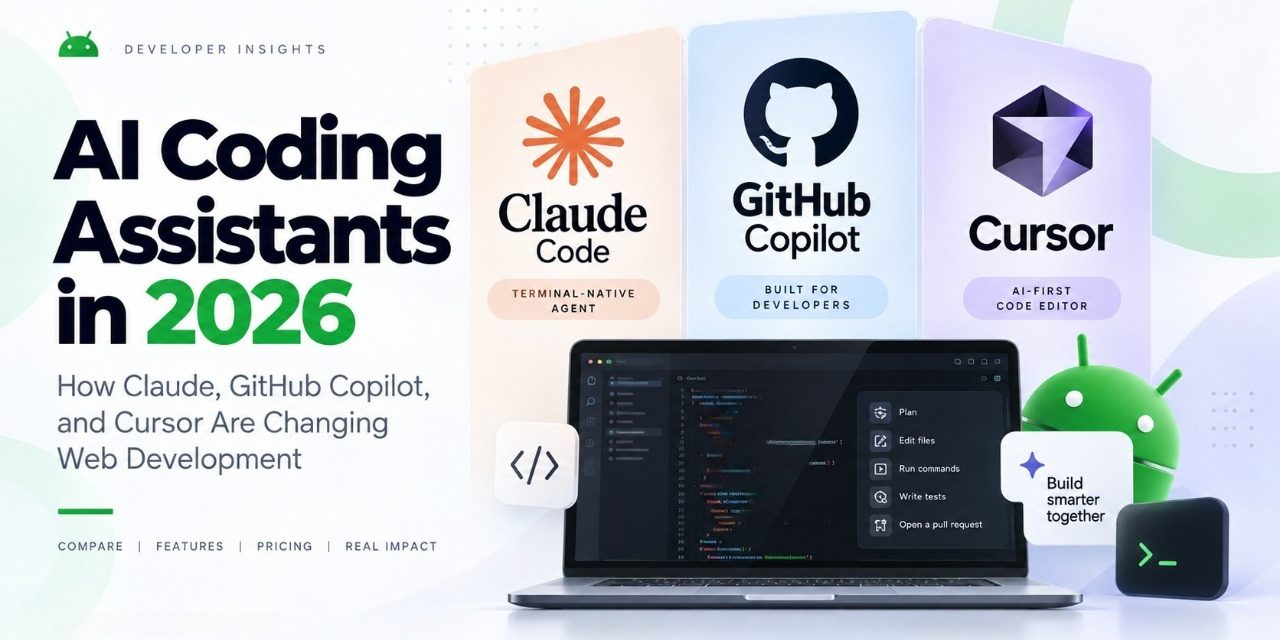
Two years ago, “AI coding assistant” mostly meant autocomplete that finished your line of code. In 2026, it means something closer to a junior engineer who can read your whole repository, open a terminal, run your test suite, and open a pull request while you go make coffee. That shift — from suggestion to agent — is the single biggest change in how web development teams work this year, and it’s why Claude Code, GitHub Copilot, and Cursor have become as central to a developer’s toolkit as the code editor itself.
If you’re choosing (or re-evaluating) an AI coding assistant for your team, here’s an honest, up-to-date look at where the three biggest names stand, what they actually cost, and what “agentic coding” is doing to real web development workflows.
From Autocomplete to Agents: What Changed
The earliest coding assistants suggested the next few lines of code based on what you’d already typed. Useful, but passive. The tools dominating 2026 are built around agentic workflows: you describe a task in plain language — “add pagination to this API endpoint and write tests for it” — and the assistant plans the change, edits multiple files, runs commands in a terminal, checks the output, and iterates on its own before handing you a diff to review.
Anthropic’s own 2026 agentic coding trends report frames this as a move from individual “assistants” toward coordinated “agent teams,” with organizations increasingly running multiple agents on different parts of a codebase in parallel and shifting engineer time toward reviewing and directing that work rather than typing it line by line. The tradeoff teams are actively managing, according to the same report, is balancing those productivity gains against oversight, code quality, and security — in other words, moving fast without losing the ability to trust what the AI wrote.
That tension — speed versus oversight — is the lens worth using when you compare the three tools most web teams are choosing between right now.
Claude Code: The Terminal-Native Agent
Claude Code, Anthropic’s command-line coding agent, is built for developers who want the AI working directly in their existing terminal and git workflow rather than inside a bespoke editor. It reads your codebase, edits files, runs shell commands, and can be scripted into CI pipelines or hooked up to other tools via the Model Context Protocol (MCP).
Pricing (2026):
- Free — Claude’s free chat tier includes limited Claude Code usage.
- Pro — $17–20/month — includes Claude Code, drawing from the same usage pool as Claude’s chat and app access.
- Max — from $100/month — 5x or 20x the usage of Pro, aimed at developers running heavier or longer agentic sessions.
- Team — $20–25/seat/month (standard), $100–125/seat/month (premium) — includes Claude Code and Claude’s Cowork features, with centralized admin and SSO for organizations.
The practical upside for web dev teams: Claude Code isn’t locked to one IDE, so it fits naturally into a VS Code + terminal, Neovim, or JetBrains workflow without forcing a switch. The tradeoff is that usage is pooled with your broader Claude plan, so heavy agentic sessions can eat into the same allowance you’d otherwise use for chat.
GitHub Copilot: Deep GitHub and IDE Integration
GitHub Copilot remains the default choice for teams already living in GitHub, thanks to native integration with pull requests, Actions, and code review — plus first-class support inside VS Code and JetBrains IDEs.
Pricing (2026):
- Free — $0/month — 2,000 completions per month, access to several AI models, and Copilot CLI.
- Pro — $10/month — unlimited code completions and next-edit suggestions, plus $15 in monthly usage credits for chat, agent, and CLI features.
- Pro+ — $39/month — access to premium models including Claude Opus, roughly 4x the included usage of Pro, and $70 in monthly credits.
- Business/Max — $100/month — priority access to new models and features, with $200 in monthly credits.
Copilot’s model is credit-based: completions are unlimited on paid tiers, but chat, agent tasks, and code review draw down a monthly credit pool billed at a flat rate per credit. For teams that mostly want fast completions with occasional agent use, Pro is usually enough; teams running Copilot’s autonomous coding agent regularly will want Pro+ or higher to avoid running out of credits mid-sprint.
Cursor: The AI-First Code Editor
Cursor took a different route: rather than plugging AI into an existing editor, it forked VS Code and rebuilt the editing experience around AI agents from the ground up. In 2026, Cursor also ships its own in-house model, Composer, now in its 2.5 generation, alongside access to frontier models like Claude and GPT — giving teams a choice between a fast, purpose-built coding model and a general frontier model for harder problems.
Pricing (2026):
- Hobby — Free — limited agent requests, access to Cursor’s Composer-based editing.
- Pro — $20/month — extended agent limits, frontier model access, cloud agents, MCP/skills/hooks support.
- Pro+ and Ultra — from $20/month base, scaling to 3x and 20x Pro’s agent limits respectively, for developers running many parallel or long-running agent sessions.
- Team plans — $40/user/month (Standard) and up (Premium) — add centralized billing, shared cloud agents, agentic code review, and SSO.
Cursor’s “cloud agents” — background agents that can work on a task independently of your open editor window — have become one of its most-used features for web teams handling routine work like dependency upgrades, test-writing, and refactors, freeing the editor itself for higher-judgment work
Which One Fits Your Web Dev Team?
There’s no single winner here — the right pick depends on your workflow:
Choose Claude Code if your team lives in the terminal, uses multiple editors across the team, or wants an agent that integrates cleanly into custom scripts and CI without being tied to one IDE.
Choose GitHub Copilot if your codebase and workflow are already deeply tied to GitHub — pull request reviews, Actions, and issue tracking — and you want the AI woven directly into that pipeline.
Choose Cursor if you want the most AI-native editing experience available, with a purpose-built model (Composer) plus frontier model access, and don’t mind moving your team onto a new editor.
Plenty of larger teams now run more than one of these simultaneously — for example, Cursor or Claude Code for day-to-day feature work, with Copilot handling PR review inside GitHub — rather than treating the choice as exclusive.
The Bigger Shift: What This Means for Web Developers
Whichever tool you pick, the underlying trend matters more than any single feature comparison. Industry research on AI coding adoption through 2026, including surveys from JetBrains and others, points to the same pattern: agentic tools are moving from experimental side projects to a standard part of the engineering workflow, with the biggest gains showing up on repetitive, well-scoped tasks — tests, migrations, boilerplate, and refactors — rather than fully autonomous feature design.
That means the highest-leverage skill for web developers in 2026 isn’t writing every line of code by hand anymore; it’s learning to scope tasks clearly for an agent, review AI-generated diffs critically, and know when a task genuinely needs a human’s judgment instead of an agent’s speed.
Final Thoughts
Claude Code, GitHub Copilot, and Cursor each represent a slightly different bet on how AI should fit into a developer’s day — terminal-native, GitHub-native, or editor-native. All three now offer genuinely agentic capabilities, not just autocomplete, and all three have priced tiered plans specifically around how much agentic usage a developer or team needs.
If you haven’t tried an agentic coding workflow yet, this is a good week to start: pick the tool that matches where your team already works, start on a free or entry-level tier, and give it one real task — a test suite, a small refactor, a dependency bump — before deciding whether to upgrade.
Have you switched your web development workflow to an AI coding agent yet? Tell us which tool your team is using — and why — in the comments below, or reach out if you’d like help evaluating one for your project.