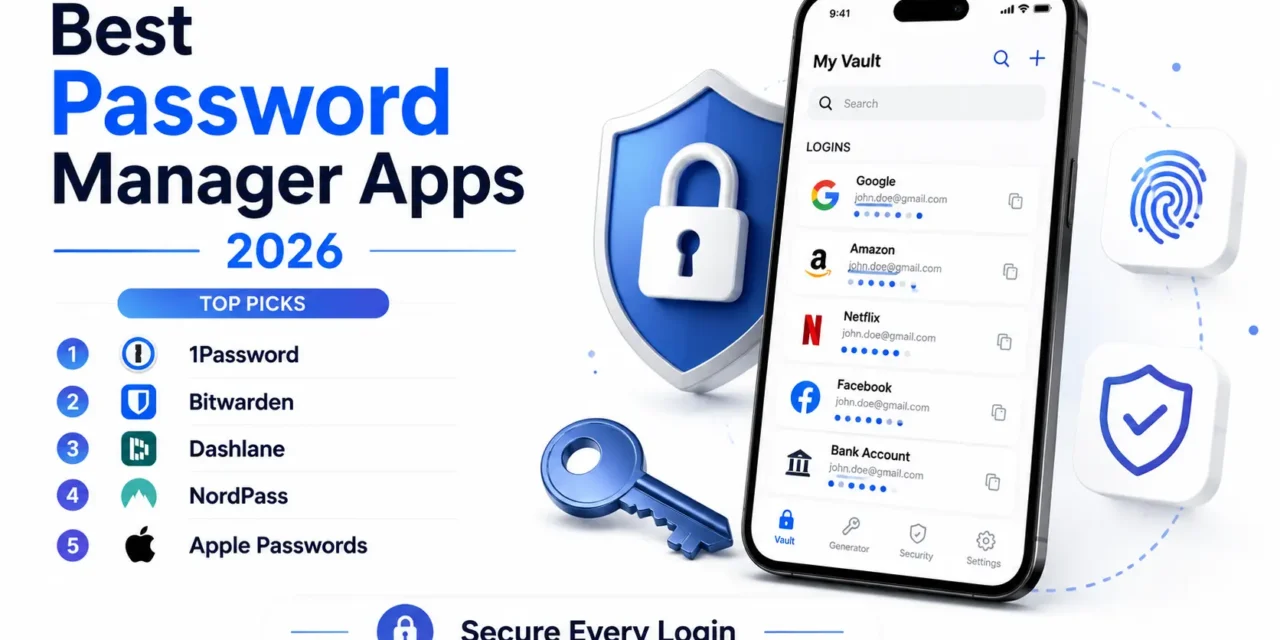
Reusing the same password across multiple accounts remains one of the more common and genuinely risky habits online, since a single breach at one unrelated service can hand attackers the keys to a person’s email, banking, and social accounts all at once. Password manager apps solve this directly, generating and storing a genuinely unique, strong password for every single account while requiring the user to remember just one master password to unlock the whole vault. In 2026, the strongest apps in this category have also gotten better at passkey support, moving beyond passwords entirely for services that support the newer, more phishing-resistant authentication standard. Here are five password manager apps worth setting up this year, whether you’re securing a handful of accounts or dozens built up over years of online life. Most also include a built-in password strength audit, flagging old or weak passwords that predate the habit of using the manager consistently.
1Password
1Password combines a genuinely polished interface with strong family and team sharing features, letting a household or small team securely share specific logins without exposing an entire vault, and its Watchtower feature actively flags weak or reused passwords.
🔗 Download on Play Store | 1password.com
Bitwarden

Bitwarden stands out as a genuinely capable open-source option with a surprisingly generous free tier, appealing to security-conscious users who want the underlying code auditable rather than trusting a closed proprietary system entirely.
🔗 Download on Play Store | bitwarden.com
Dashlane

Dashlane bundles password management with a built-in VPN and dark web monitoring that alerts users if their credentials appear in a known data breach, adding genuine extra security layers beyond simple password storage alone.
🔗 Download on Play Store | www.dashlane.com
NordPass

NordPass, from the makers of NordVPN, offers a clean interface and solid cross-device syncing, with a data breach scanner that checks stored passwords against known leaked credential databases automatically.
🔗 Download on Play Store | nordpass.com
Apple Passwords / Google Password Manager
The password managers built directly into iOS and Android now offer genuinely solid basic functionality, including passkey support and breach monitoring, appealing to users who want reliable security without installing or paying for a separate app at all.
The right choice often depends on how much you want beyond basic password storage, since Bitwarden’s free tier covers core functionality generously for anyone who doesn’t need extra features like VPN bundling or dark web monitoring. Families and small teams needing to securely share specific logins without exposing full vaults get real practical value from 1Password’s sharing controls, which remain more refined than most competitors. Users who want an all-in-one security bundle covering password management alongside a VPN and breach monitoring should weigh Dashlane’s combined subscription against paying for those tools separately. Anyone hesitant to install yet another app should genuinely try their phone’s built-in password manager first, since Apple and Google have both closed much of the gap against dedicated third-party apps in recent years.
A password manager remains one of the single highest-value security upgrades available for the effort involved, turning dozens of weak, reused passwords into unique, genuinely strong ones without requiring you to memorize a single additional thing. Pick whichever app fits your household or team’s sharing needs, and treat setting one up today as one of the more effective few minutes you can spend on your own online security. The accounts that matter most, email and banking especially, deserve a genuinely unique password more than almost anything else you’ll set up this year.